Protecting Your Digital Identity: 7 Steps to Enhance Online Security in 2026
In an era where our lives are increasingly intertwined with the digital realm, the concept of ‘digital identity’ has evolved from a niche cybersecurity term to a cornerstone of personal and professional existence. As we navigate through 2026, the landscape of online threats continues to grow in sophistication and scale. Protecting your digital identity isn’t just about preventing a data breach; it’s about safeguarding your reputation, financial stability, and peace of mind. This comprehensive guide will walk you through seven essential steps to fortify your online security and ensure your digital identity remains robustly protected.
The digital footprint we leave behind with every click, post, and transaction forms a complex tapestry of personal information. From social media profiles to online banking, cloud storage, and even smart home devices, every interaction contributes to our digital persona. This extensive digital presence, while convenient, also presents an enticing target for cybercriminals. Identity theft, phishing attacks, ransomware, and sophisticated social engineering schemes are just a few of the threats lurking in the shadows. Therefore, understanding and implementing effective strategies for digital identity protection is no longer optional but a critical necessity for everyone operating in the modern world.
Understanding Your Digital Identity and Its Vulnerabilities
Before diving into protective measures, it’s crucial to grasp what constitutes your digital identity. It’s not merely your name and email address; it encompasses all the unique data points that identify you online. This includes your browsing history, IP addresses, online purchase records, social media interactions, biometric data, financial information, and even your digital habits. Each piece of this data, when pieced together, can paint a surprisingly complete picture of who you are, making it invaluable to malicious actors.
Vulnerabilities often arise from a combination of human error and technological loopholes. Weak passwords, unpatched software, public Wi-Fi usage, and a lack of awareness about common cyber scams are primary entry points for attackers. Furthermore, the sheer volume of data collected by various online services means that even if you are diligent, a breach at a third-party service could expose your information. This interconnectedness underscores the need for a multi-layered approach to digital identity protection, where individual vigilance is complemented by robust technological safeguards.
The implications of a compromised digital identity can be severe. Beyond the immediate financial losses associated with fraud, victims often face long-term challenges, including damaged credit scores, reputational harm, legal complications, and significant emotional distress. Restoring a compromised digital identity can be a lengthy and arduous process, often taking months or even years. This stark reality emphasizes why proactive measures are far more effective than reactive damage control.
Step 1: Fortify Your Authentication with Strong, Unique Passwords and MFA
The foundation of digital identity protection begins with robust authentication. In 2026, relying solely on simple, easily guessable passwords is akin to leaving your front door unlocked. The first and most critical step is to use strong, unique passwords for every online account. A strong password should be a complex mix of uppercase and lowercase letters, numbers, and special characters, and ideally, it should be at least 12-16 characters long. Avoid using personal information, common words, or predictable sequences.
The challenge of remembering numerous complex passwords can be overcome with a reputable password manager. These tools securely store all your login credentials behind a single master password, encrypting them and often offering features like password generation and autofill. Popular options include LastPass, 1Password, Bitwarden, and Dashlane. By centralizing your password management, you eliminate the temptation to reuse passwords or opt for weaker ones.
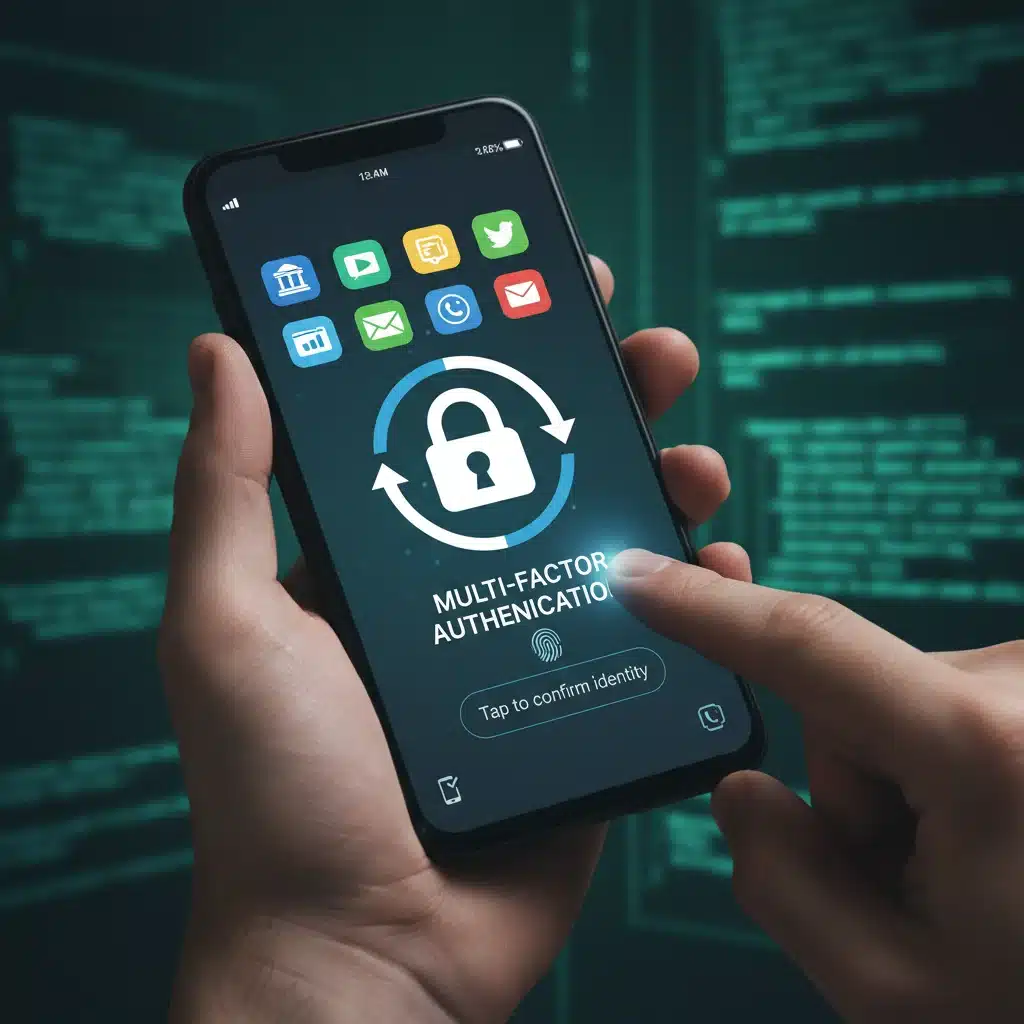
Beyond strong passwords, Multi-Factor Authentication (MFA) is an indispensable layer of security. MFA requires users to provide two or more verification factors to gain access to an account, significantly reducing the risk of unauthorized access even if a password is stolen. Common MFA methods include:
- Something you know: Your password.
- Something you have: A code from a smartphone app (e.g., Google Authenticator, Authy), a physical security key (e.g., YubiKey), or a one-time code sent via SMS (though SMS is less secure).
- Something you are: Biometric data like a fingerprint or facial scan.
Enabling MFA on all supported accounts – especially email, banking, social media, and cloud services – should be a top priority. It acts as a powerful deterrent, making it exponentially harder for cybercriminals to breach your accounts even if they manage to compromise your password. Many services now offer MFA as a standard option, and some even enforce it by default. Always choose app-based MFA or hardware security keys over SMS-based options for superior security.
Step 2: Regularly Update Software and Operating Systems
Outdated software is a cybercriminal’s best friend. Software developers constantly release updates that include critical security patches, bug fixes, and performance enhancements. These patches often address newly discovered vulnerabilities that, if left unpatched, could be exploited by attackers to gain unauthorized access to your system or data. This applies to everything: your operating system (Windows, macOS, Linux, Android, iOS), web browsers, antivirus software, applications, and even firmware for routers and IoT devices.
Make it a habit to enable automatic updates whenever possible. For systems where automatic updates are not feasible, schedule regular checks to ensure all your software is running the latest versions. Neglecting updates leaves gaping holes in your digital defenses, making you an easy target for malware, ransomware, and other sophisticated cyberattacks. A single unpatched vulnerability can be the gateway for an attacker to compromise your entire digital identity.
Consider the potential impact of a browser vulnerability. If your browser is outdated, a malicious website could exploit a flaw to install malware on your computer without your knowledge. Similarly, an unpatched operating system could allow an attacker to gain root access, giving them complete control over your device and all the data stored on it. Staying current with updates is a simple yet profoundly effective step in maintaining robust digital identity protection.
Step 3: Be Wary of Phishing and Social Engineering Attacks
Even the most advanced technological safeguards can be bypassed if an individual falls victim to social engineering. Phishing, spear phishing, vishing (voice phishing), and smishing (SMS phishing) are common tactics used by cybercriminals to trick individuals into revealing sensitive information or performing actions that compromise their security. These attacks often impersonate trusted entities like banks, government agencies, popular online services, or even colleagues and friends.
Key indicators of a phishing attempt include:
- Urgent or threatening language: Messages demanding immediate action to avoid severe consequences.
- Suspicious sender addresses: Email addresses that don’t quite match the legitimate organization.
- Generic greetings: Messages that don’t address you by name, even if they claim to be from a service you use.
- Grammatical errors and typos: A common red flag for illegitimate communications.
- Links to unfamiliar websites: Hover over links (without clicking!) to see the actual URL. If it doesn’t match the legitimate domain, it’s likely a scam.
- Requests for sensitive information: Legitimate organizations will rarely ask for passwords, PINs, or full credit card numbers via email or text.
The best defense against these attacks is critical thinking and skepticism. Always verify the legitimacy of suspicious communications directly with the organization using official contact information (not information provided in the suspicious message). Never click on suspicious links or download attachments from unknown senders. Educate yourself and those around you about these common scams to create a collective defense against social engineering.
Step 4: Secure Your Network and Devices
Your home network is the gateway to your digital life, and securing it is paramount for digital identity protection. Start by changing the default password on your Wi-Fi router, which is often easily guessable or publicly known. Use a strong, unique password for your router’s administrative interface and for the Wi-Fi network itself (WPA3 or WPA2-AES encryption is recommended).
Regularly update your router’s firmware, as these updates often include critical security patches. Disabling Universal Plug and Play (UPnP) on your router can also enhance security by preventing devices from automatically opening ports without your explicit permission. Additionally, consider creating a separate guest network for visitors and smart home devices, isolating them from your primary network where sensitive data resides.
When using public Wi-Fi networks (e.g., in cafes, airports), assume they are insecure. Avoid conducting sensitive transactions like online banking or shopping while connected to public Wi-Fi. If you must use public Wi-Fi, always use a Virtual Private Network (VPN). A VPN encrypts your internet traffic, creating a secure tunnel between your device and the internet, protecting your data from eavesdropping and interception by others on the same network.
For your devices, ensure they are protected with antivirus and anti-malware software. Keep these programs updated and run regular scans. Enable firewalls on your computers and ensure your mobile devices are protected with screen locks (PIN, pattern, fingerprint, or facial recognition). Be mindful of what you connect to your devices; avoid unknown USB drives and be cautious about granting permissions to apps.
Step 5: Practice Data Minimization and Privacy Awareness
In the digital age, companies collect vast amounts of personal data, often more than is necessary. Practicing data minimization means being conscious about what information you share online and with whom. Before signing up for a new service or app, consider if you truly need to provide all the requested information. If an app asks for access to your contacts or location, question whether that access is genuinely required for its functionality.
Regularly review the privacy settings on your social media accounts, email services, and other online platforms. Adjust them to restrict who can see your personal information, posts, and activities. Opt out of data sharing and targeted advertising where possible. Be aware that even seemingly innocuous information, like your birthdate or pet’s name, can be used by cybercriminals to answer security questions or guess passwords.

Think twice before posting personal details on social media, such as vacation plans, home address details, or sensitive work information. Each piece of information you share online contributes to your digital footprint, which can be harvested and exploited. The less personal data you expose, the smaller your attack surface and the stronger your digital identity protection.
Step 6: Regularly Monitor Your Accounts and Credit
Proactive monitoring is a crucial aspect of digital identity protection. Even with the best preventative measures, breaches can occur, often through no fault of your own (e.g., a third-party service data breach). Early detection of suspicious activity can significantly mitigate potential damage.
Regularly check your bank statements, credit card statements, and online transaction histories for any unauthorized activity. Set up alerts for large transactions or unusual logins. Many financial institutions offer free monitoring services that notify you of suspicious account activity.
Beyond financial accounts, regularly review your social media activity, email login history, and any cloud storage access logs. If you notice an unfamiliar login from a strange location, change your password immediately and report it to the service provider. Consider using a service that monitors the dark web for your personal information, alerting you if your credentials or other sensitive data appear in known data breaches.
Obtain and review your credit reports annually from the three major credit bureaus (Equifax, Experian, and TransUnion). You are entitled to a free report from each bureau once a year. Look for any accounts or inquiries you don’t recognize. If you find suspicious activity, report it immediately to the credit bureau and consider placing a fraud alert or credit freeze on your file.
Step 7: Back Up Your Data and Prepare for the Worst
While not directly preventing identity theft, data backup is a critical component of overall digital resilience and recovery, which is intertwined with digital identity protection. Imagine losing access to all your digital photos, important documents, or work files due to a ransomware attack or a device failure. The emotional and practical impact can be immense. Regular backups ensure that even if your primary data sources are compromised or destroyed, you can restore your essential information.
Implement a 3-2-1 backup strategy: at least three copies of your data, stored on two different types of media, with one copy offsite. This could mean having your data on your computer, an external hard drive, and a cloud storage service. Cloud services like Google Drive, Dropbox, OneDrive, or specialized backup solutions offer automated and encrypted offsite storage, making recovery simpler.
Beyond data backup, having a plan for what to do if your digital identity is compromised is essential. This includes knowing who to contact (banks, credit bureaus, police, relevant online service providers), having a list of important account numbers and contact information readily available (stored securely, of course), and understanding the steps for identity theft recovery. Being prepared can significantly reduce the stress and damage if the worst-case scenario occurs.
The Evolving Landscape of Digital Identity Protection in 2026 and Beyond
The digital threat landscape is not static; it’s constantly evolving. New technologies bring new vulnerabilities, and cybercriminals are always finding innovative ways to exploit them. In 2026, we are seeing an increased focus on AI-powered phishing attacks, deepfakes used for social engineering, and attacks targeting IoT devices and supply chains. Therefore, digital identity protection is an ongoing process, not a one-time setup.
Staying informed about the latest cybersecurity trends and threats is vital. Follow reputable cybersecurity news sources, attend webinars, and engage with security communities. Continuous learning and adaptation are key to maintaining effective defenses. As technology advances, so too must our strategies for safeguarding our digital selves. The rise of decentralized identity solutions and blockchain-based authentication mechanisms may offer new avenues for protection in the future, but for now, the fundamental steps outlined in this guide remain your strongest defense.
Conclusion: A Proactive Approach to Digital Well-being
Protecting your digital identity in 2026 requires a proactive, multi-faceted approach. It’s about combining strong technical safeguards with vigilant personal habits. By implementing these seven steps – fortifying authentication, regularly updating software, being wary of social engineering, securing networks and devices, practicing data minimization, monitoring accounts, and backing up data – you significantly reduce your risk of becoming a victim of cybercrime.
Remember, your digital identity is a valuable asset. Treat it with the same care and protection you would your physical possessions or financial assets. The effort invested in securing your online presence today will pay dividends in peace of mind and resilience against the ever-present threats of the digital world. Stay informed, stay vigilant, and take control of your digital destiny.